What Recpt does
Recpt is a record-keeping tool for work-related expenses. You add an expense, the AI reads the receipt and suggests a category, you confirm. At tax time you export one clean summary for your accountant or myTax.
The loop
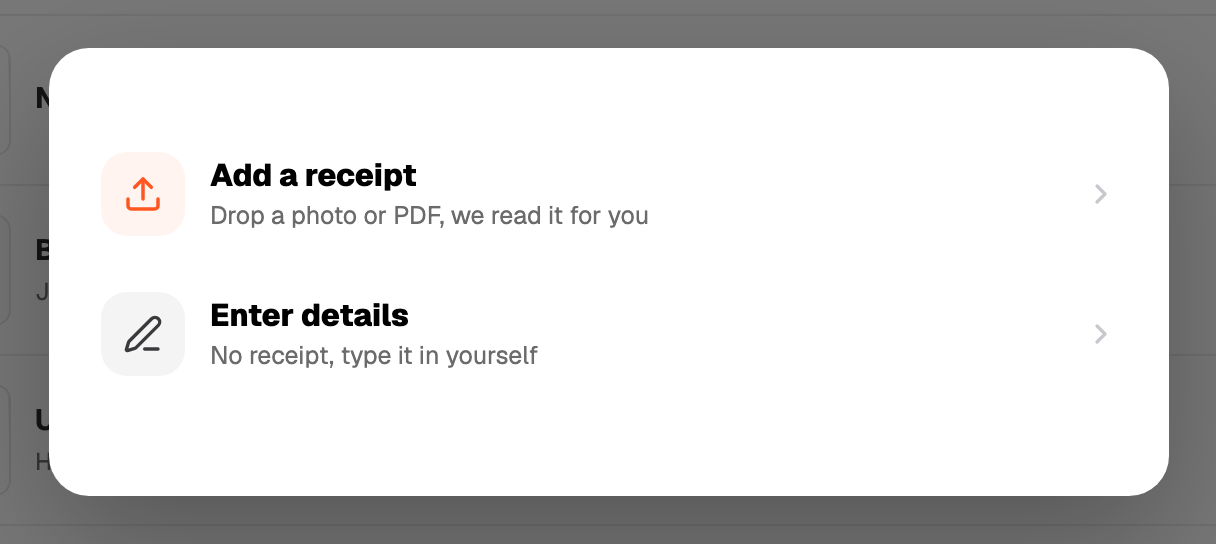
- 1Snap or upload a receipt. Vendor, amount, date and a suggested category fill in.
- 2Confirm the category. Nothing saves from the AI alone.
- 3Import a bank statement now and then to catch the receipts you never photographed.
- 4Export at the end of the financial year.
Bill watch learns which bills keep coming back and nudges you when one is missing.
What Recpt is not
Recpt is not a registered tax agent. It never decides what is work-related, never works out a figure for you, and never sends anything to the ATO. The AI suggests, you confirm, your accountant or the ATO decides.
Not tax advice. Verify everything before claiming, and talk to a registered tax agent about your situation.
Where things live
- Expenses: every receipt and statement line you have kept.
- Bill watch: the bills Recpt is tracking for you.
- Import: bank statement CSV or PDF, web only.
- Export: the expense summary PDF and CSV.
- Settings: tax profile, encryption, plan.