How Bill watch works
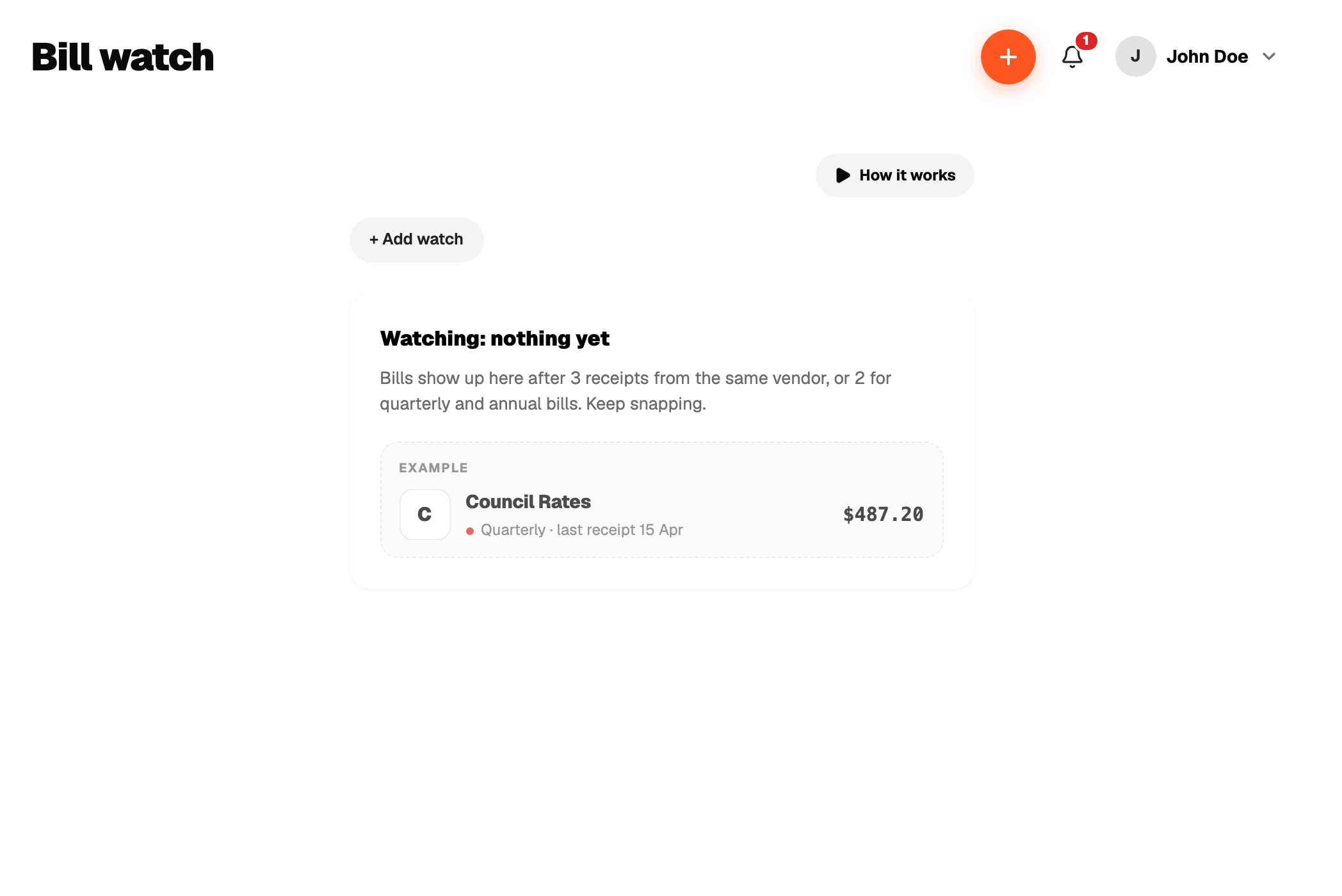
Bill watch looks at the receipts you have already added and notices a pattern: the same vendor, a steady amount, a regular gap. Weekly, fortnightly, monthly, quarterly or yearly.
Once it has enough history (three receipts for monthly or more often, two for quarterly or yearly) it starts watching. When the next one is late, past the gap plus a few days grace, the vendor moves to Looks like you forgot and the rail shows a badge.
From there, Add it now opens a new expense pre-filled, or Stop watching silences that vendor.
Bill watch never creates an expense on its own and never sends email or push. It is in-app only.