The expense summary
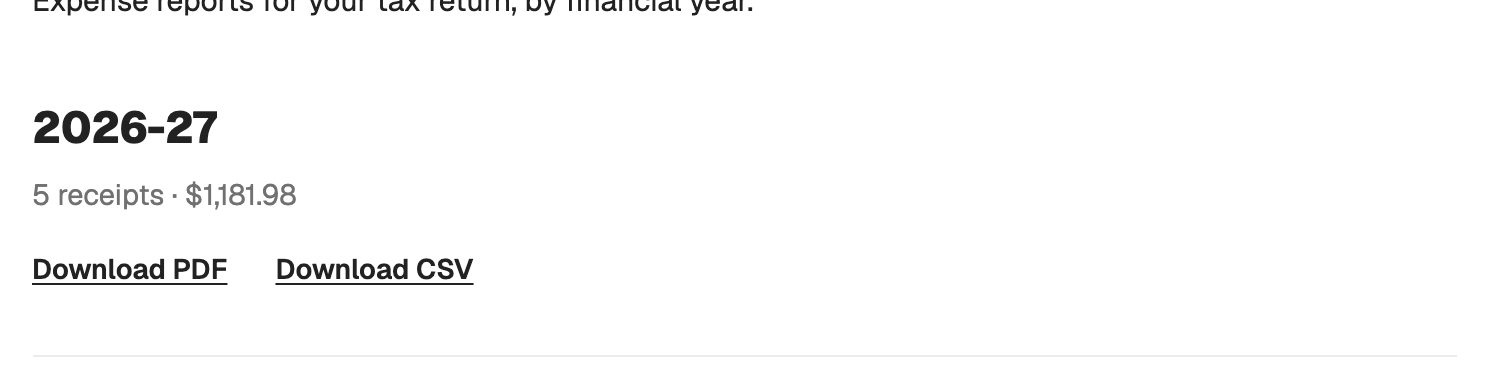
Go to Export, pick the financial year, download.
PDF: a cover page with your name, occupation and email (business name and ABN for sole traders), then a table grouped by category with subtotals. Plain category names, no codes. Amounts are GST-inclusive as recorded.
CSV: one row per expense with id, date, vendor, description, category, amount, work percentage, work-use amount and notes. ISO dates, no header block, no totals. It imports cleanly into Xero and MYOB.
Files are named recpt-expense-summary-FY26.pdf and .csv.
Export is included on every plan, Free too.
Both files carry the line "Not tax advice. Recpt is a record-keeping tool."