Add your business details
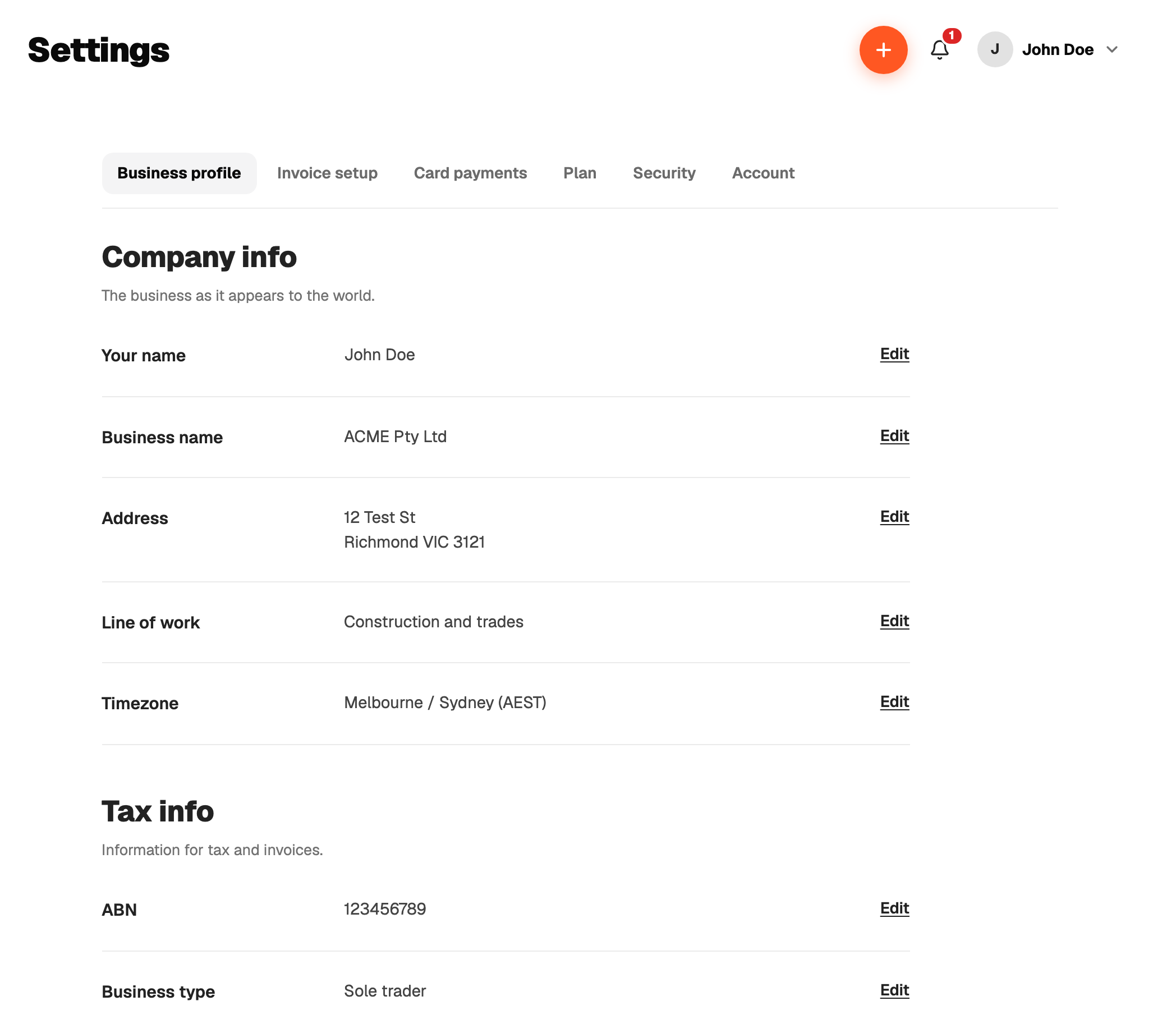
Pick sole trader on the first screen after sign-up. That turns on Jobs, Quotes, Invoices, Payments and the BAS helper, and swaps the expense categories to the business set.
GST registered
Sole traders default to GST registered. Turn it off if your turnover is under the threshold and you have not registered. One switch controls three things:
- Quotes and invoices show a 10% GST line, or no GST line at all.
- The document prints Tax invoice when registered, or plain Invoice when not.
- The BAS helper only exists when you are registered.
What prints
Business name, ABN, phone, email and address print on every quote and invoice. Bank details print at the bottom so the customer knows where to pay. Add them once in Settings.
Switching sole trader off hides the business screens. It never deletes jobs, quotes or invoices.