Send your first quote
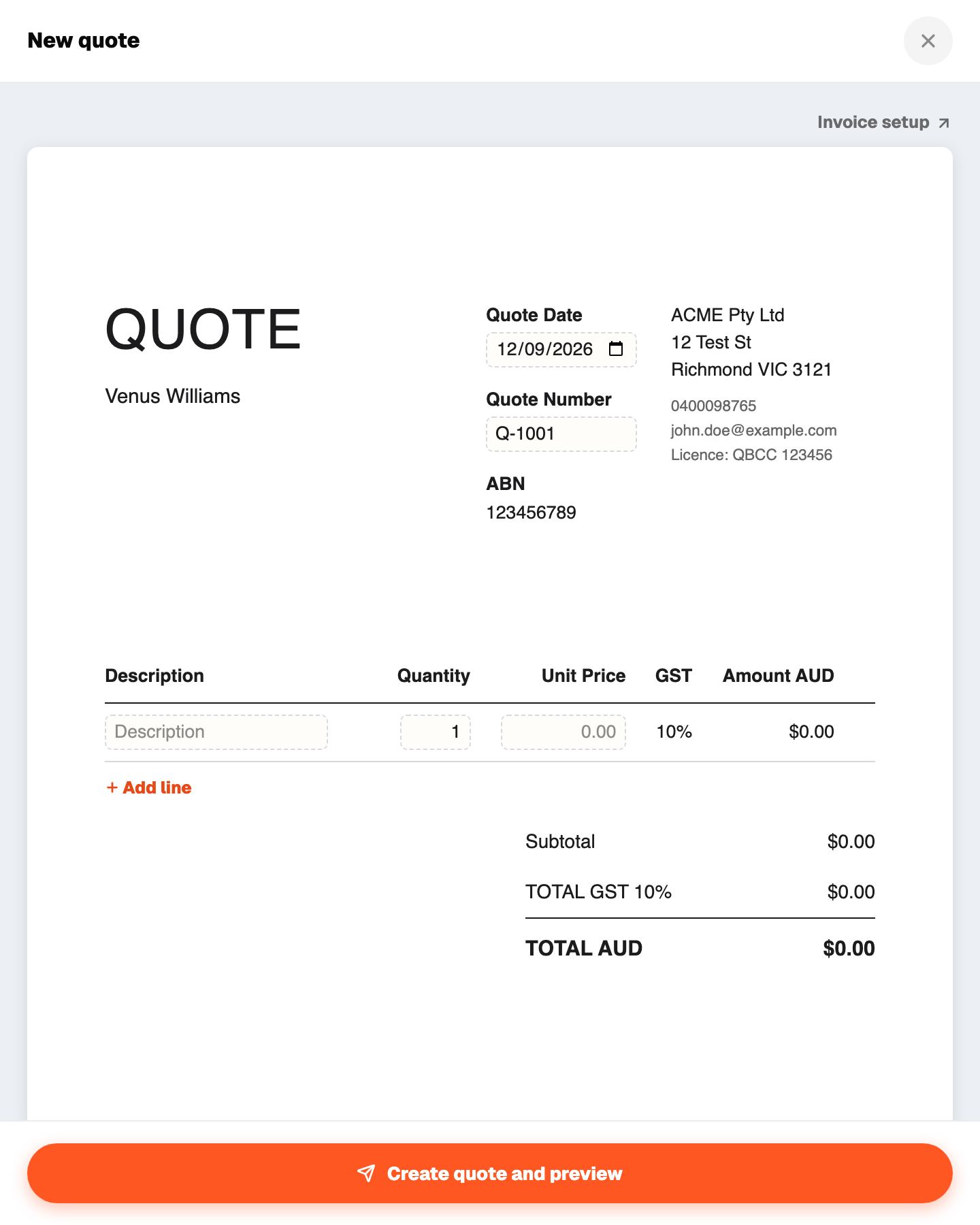
Quotes live under Jobs. A quote can create its job for you.
- 1Go to Jobs and press + Add, then Quote.
- 2Type the customer name. If they are already in Customers they will match, otherwise a new customer is created.
- 3Describe the work in a line or two.
- 4Enter one total, or a few flat lines with a label and an amount. No quantities, no unit prices.
- 5Optional: set a deposit. Tap 10%, 20% or 50% and the dollar amount shows live, or type your own figure.
- 6Save. Recpt numbers it (Q-001, Q-002 and so on) and builds the PDF.
- 7Press Share and send it by text, WhatsApp or email.
GST shows on the quote only if your tax profile says you are registered. Your BSB or PayID prints at the bottom so the customer knows where to pay.
When the customer says yes, open the quote and mark it accepted. If you set a deposit, Recpt can raise the deposit invoice at the same time.
A quote is valid for 30 days by default. Change the date on the quote if you need longer.