Set up card payments
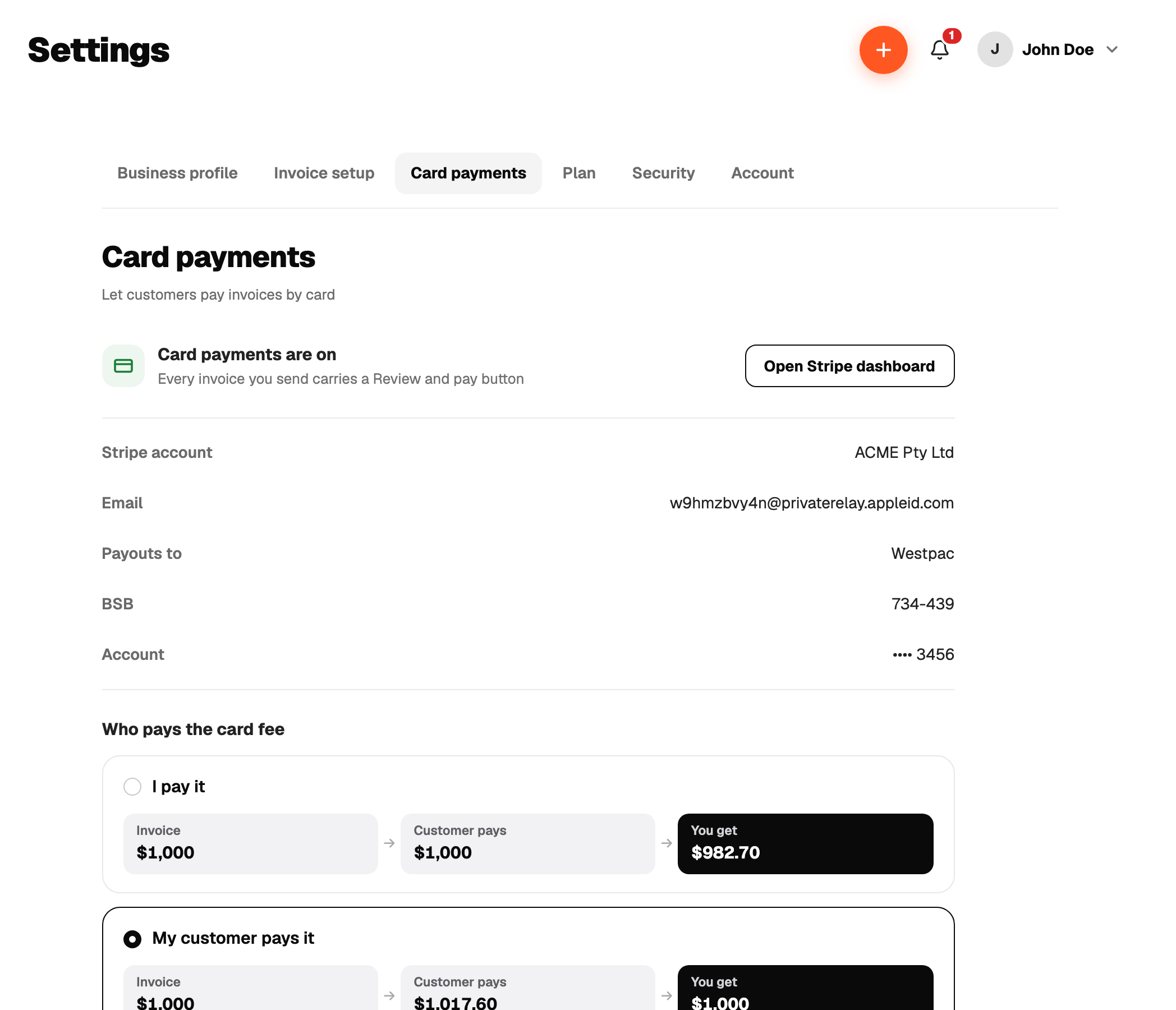
Go to Settings, then Payments and press Set up. Recpt walks you through three screens:
- 1What it does and what it costs.
- 2Who pays the card fee, you or the customer.
- 3Set up with Stripe. Stripe collects your identity and bank details on its own pages. This can take a few minutes and Stripe may ask for a document.
Come back to Settings any time to continue an unfinished setup or open your Stripe dashboard. Once Stripe has enabled charges, every new invoice carries a pay link.
There is no way to disconnect from inside the app yet. Contact support if you need to.