Edit, delete and history
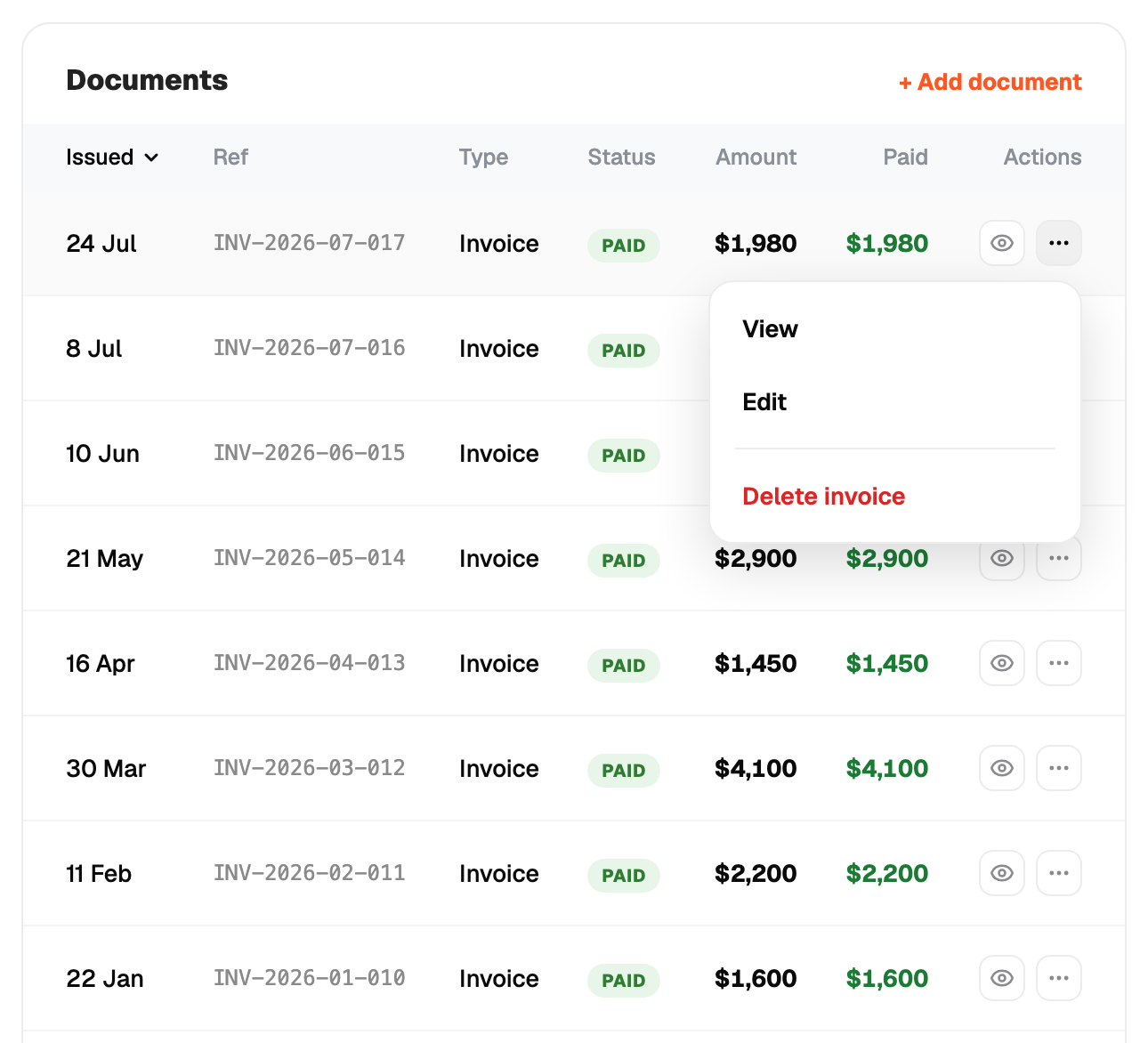
Open an invoice to edit its lines, amounts, due date or number, then regenerate the PDF. Delete removes it and its number is not reused.
Each invoice is self-contained: it owns the lines it prints. Changing the quote later does not change an invoice already raised.
The job page shows a timeline: quote sent, quote accepted, invoice raised, payment recorded, and so on.