Create a job
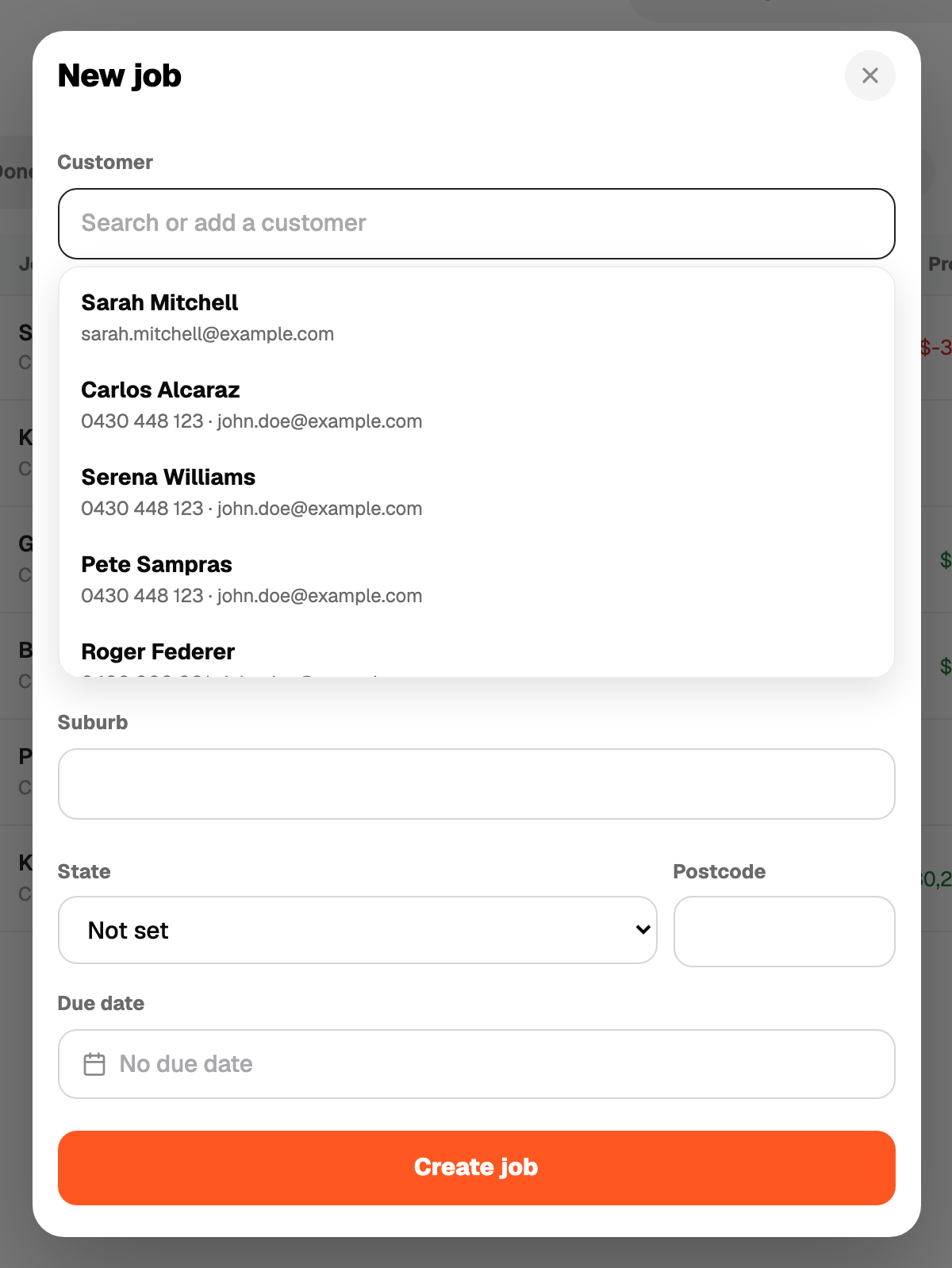
Press + Add, then Job. Type the customer name and save. Everything else is optional:
- A one-line title
- Site address
- Customer mobile
- Notes and photos
- A Due date, the day you told the customer it would be done
Recpt gives it a number (J-001, J-002 and so on). Use the number on receipts and messages to keep things tied together.
A quote can also create its job. If you start from a quote for a new customer, the job appears automatically.