Add an expense
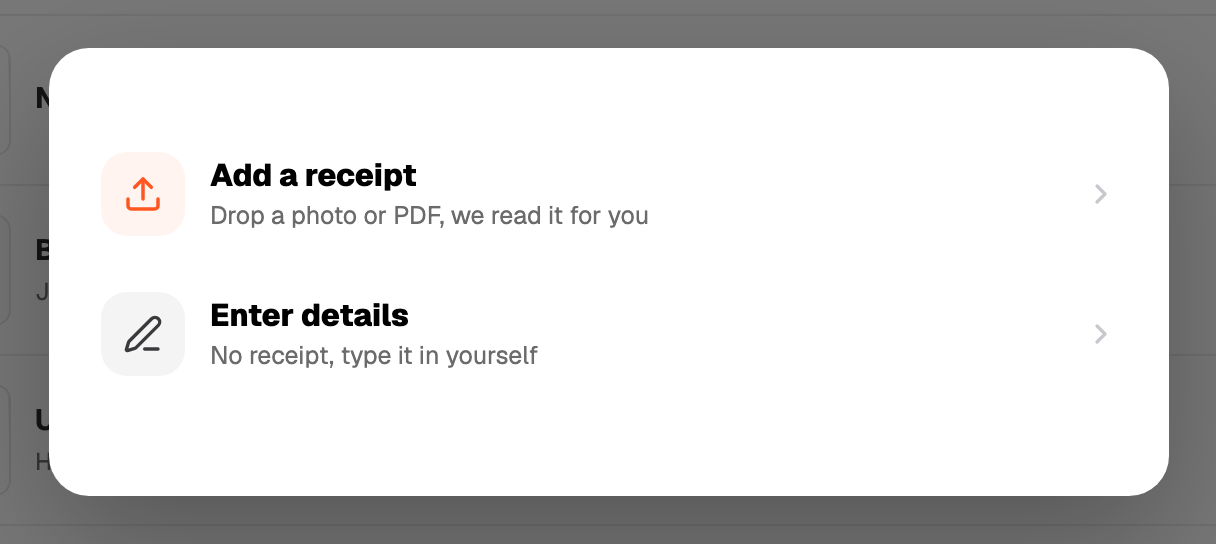
Press + Add and pick Expense. Three ways in:
- Photo or file. Drop it on the dropzone or click to choose. JPG, PNG, HEIC and WEBP, up to 10MB. Big photos are shrunk to a clean JPEG.
- Typed. Skip the photo and fill in vendor, amount and date yourself. No scan used.
- From a bank statement. See Import. Each statement line becomes an expense you tick.
Each scanned photo uses one of your monthly scans. Typed expenses and statement rows do not.
PDFs
A PDF receipt works, but only the first page is read. For a multi-page statement use Import instead.