Review and confirm
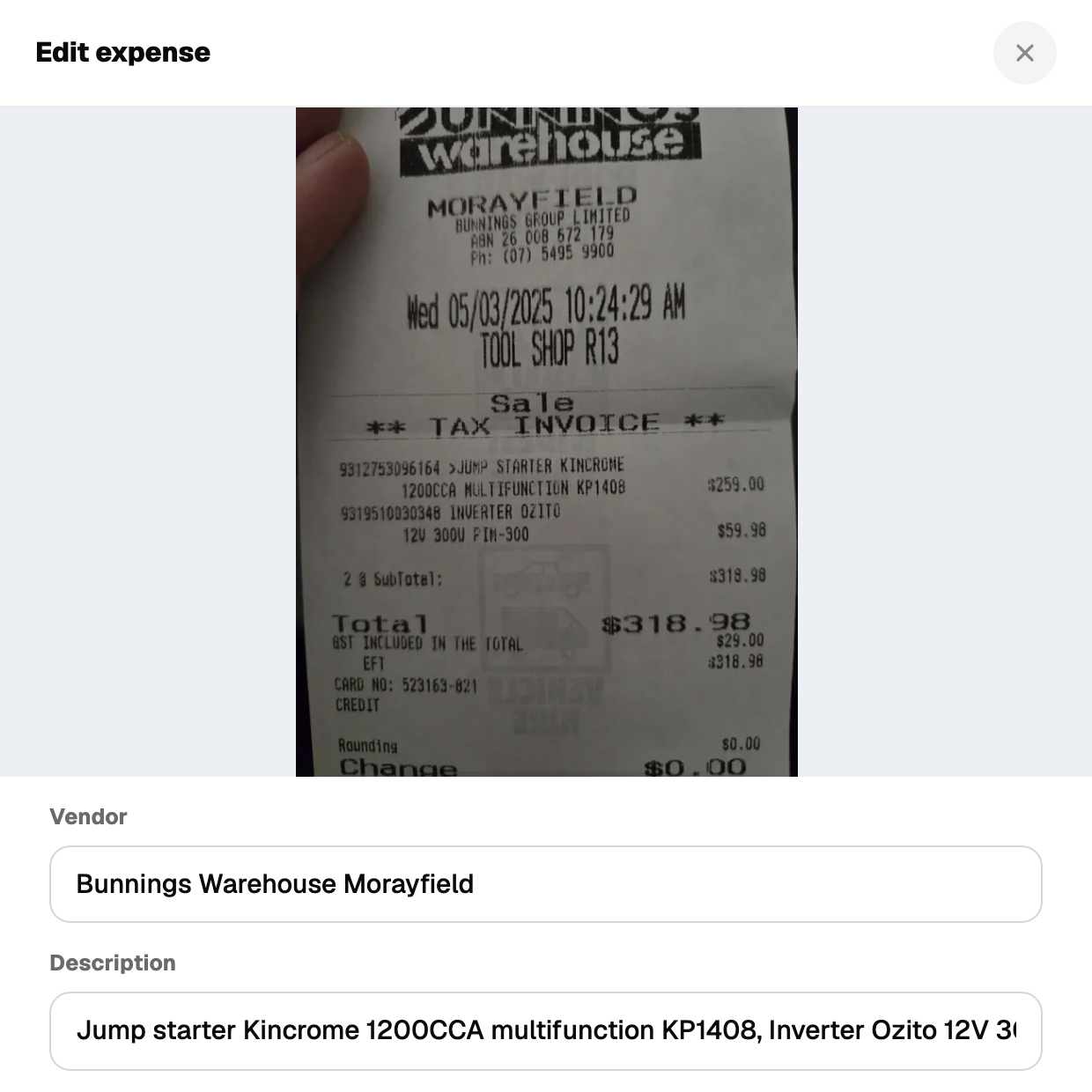
After the scan the form fills in: vendor, amount, date, a short description and one suggested category.
The confidence pill
- AI · 92% in grey: the AI is confident. Tap the pill to read why.
- AI unsure, pick one in orange: below 70%. The category is left empty and a closest guess is shown. You pick.
What to check every time
- 1Amount. Thermal receipts fade and totals get misread. Match it to the paper.
- 2Date. The AI reads the printed date. If the receipt has none it uses today.
- 3Category. The suggestion is a starting point. If it is wrong, change it.
- 4Work use. Defaults to 100%. Drop it if part of the purchase is personal.
Save when it is right. Nothing is saved until you press the button.
Not tax advice. Verify everything before claiming, and talk to a registered tax agent about your situation.