Delete an expense
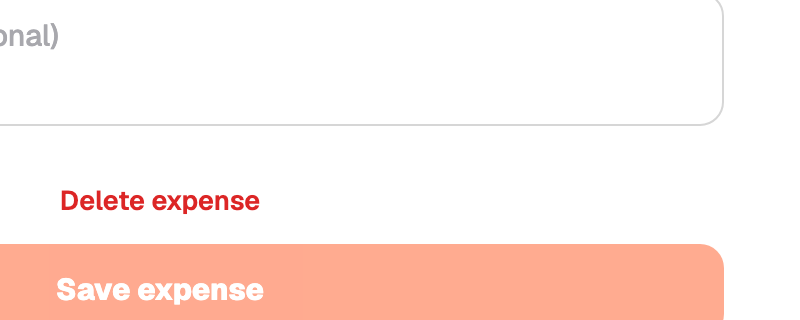
Swipe or open the expense and choose Delete. You are asked to confirm.
Deleting is permanent. There is no bin or undo in the app. The receipt photo is removed with it.
If you are not sure, edit the expense instead, or set its work use to 0% so it stays on record but carries no work-use amount.