Edit an expense
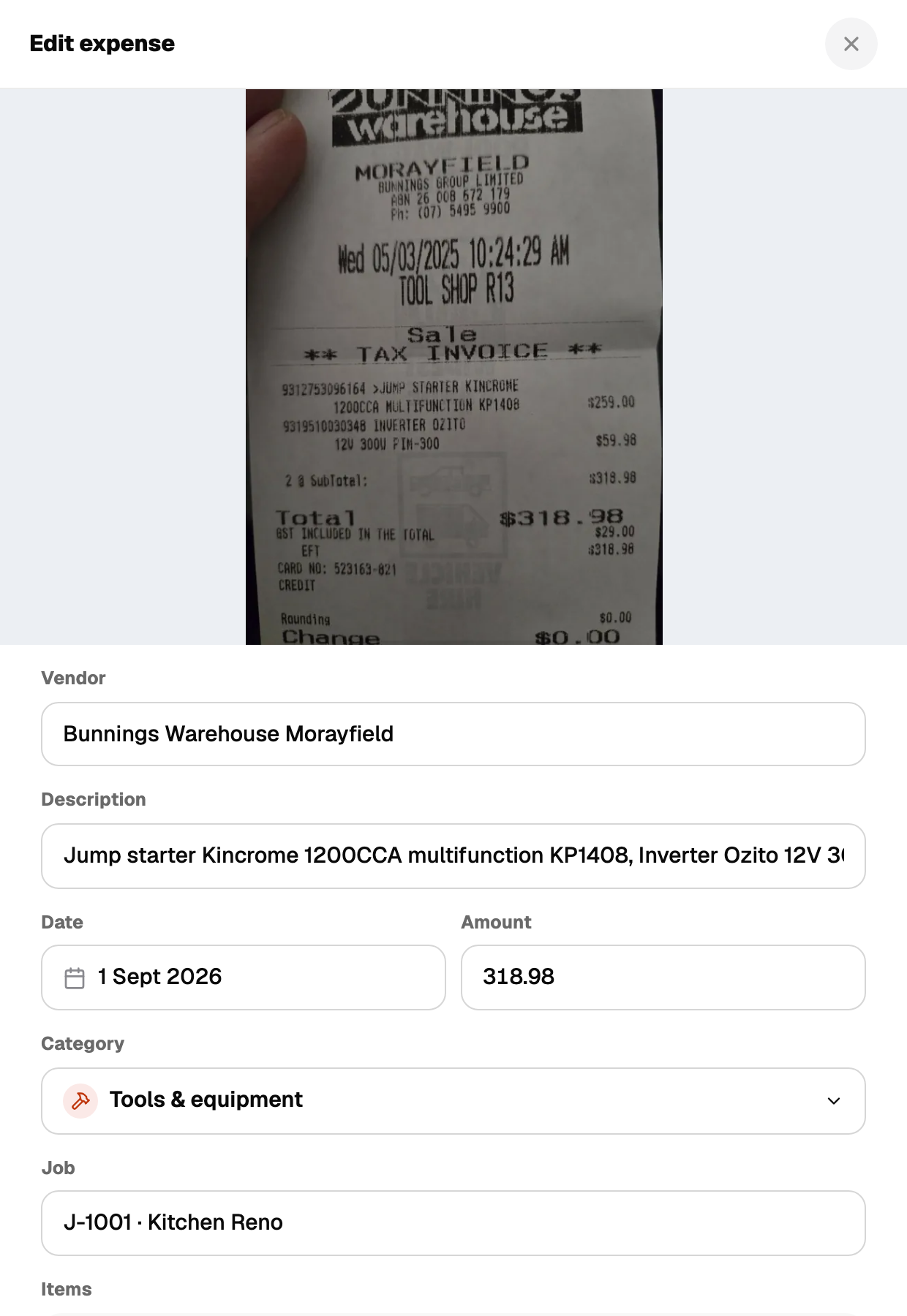
Open the expense from the Expenses list. You can change vendor, amount, date, description, category, sub-category and work-use percentage.
Work use
The work % field records how much of the purchase was for work. A phone bill at 60% work use saves a 60% work-use amount alongside the full amount. Both columns come out in the CSV export.
Duplicates
When you save, Recpt checks for a matching vendor, amount and date and warns you if it looks like one you already have. The warning never blocks the save. Keep both if they are genuinely separate purchases.