Link an expense to a job
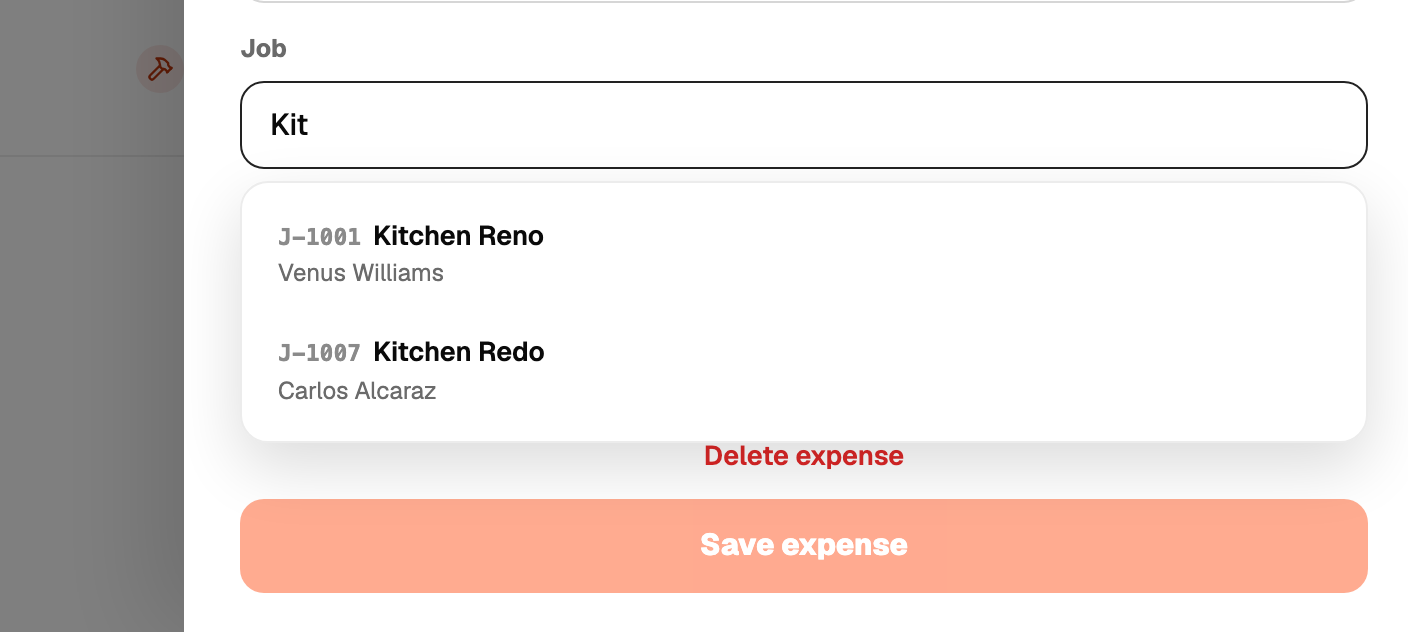
On the expense form pick the job from the Job field. You can also add the expense from inside the job, which links it for you.
Once linked, the expense counts against that job's profit and shows on the job's page. Unlink it by clearing the field.
Linked expenses always take a business category (B1 to B8).